
How Windowmaker Handles U-value and g-value Calculations
- May 27, 2026
- 10:00 am
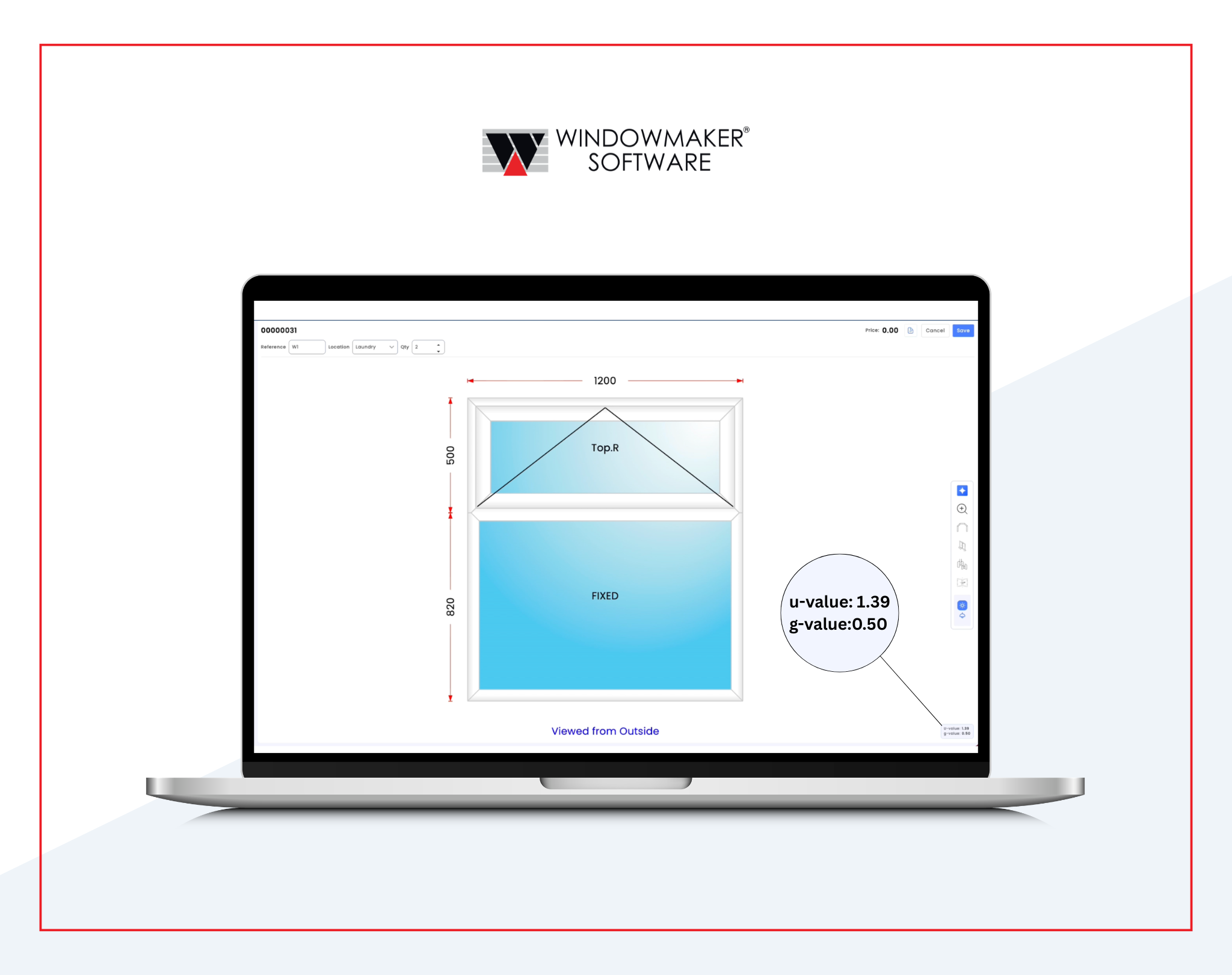
The Future Homes Standard reshapes what window and door fabricators have to prove on every quote, and the calculation behind it is more demanding than the old methodology allowed for. Here’s how Windowmaker handles it.
Configuration in, both numbers out
Every window is configured inside the same quoting workflow fabricators already use. Size, frame type, glazing, ancillary components. As the configuration changes, the U-value and g-value update alongside it. Both numbers appear on the quote, against the actual window the customer asked for, not against a reference figure.
Profile Cutlets, not generic frames
The system models every profile combination in a window: fixed panes, openable sashes, transoms and mullions, and sash-to-sash interfaces. Each has its own Uf value, aggregated by area in line with BS EN ISO 10077-2. Couplers are handled separately, using their Ψ-value and length.
Multi-frame windows
Bay windows, oriels, and coupled units calculate as a single window. Each frame is calculated separately, the couplers between them are handled automatically, and the result is one U-value for the whole assembly.
When inputs are missing, the system says so
If a profile cutlet has no Uf, a glazing record has no Ug, or a spacer matrix is incomplete for the material and glazing type in use, the system returns “Not known” rather than producing a number that looks plausible. The gap is visible before the quote goes out, not flagged weeks later when the housebuilder’s energy assessor runs the figures.
Output the compliance chain can use
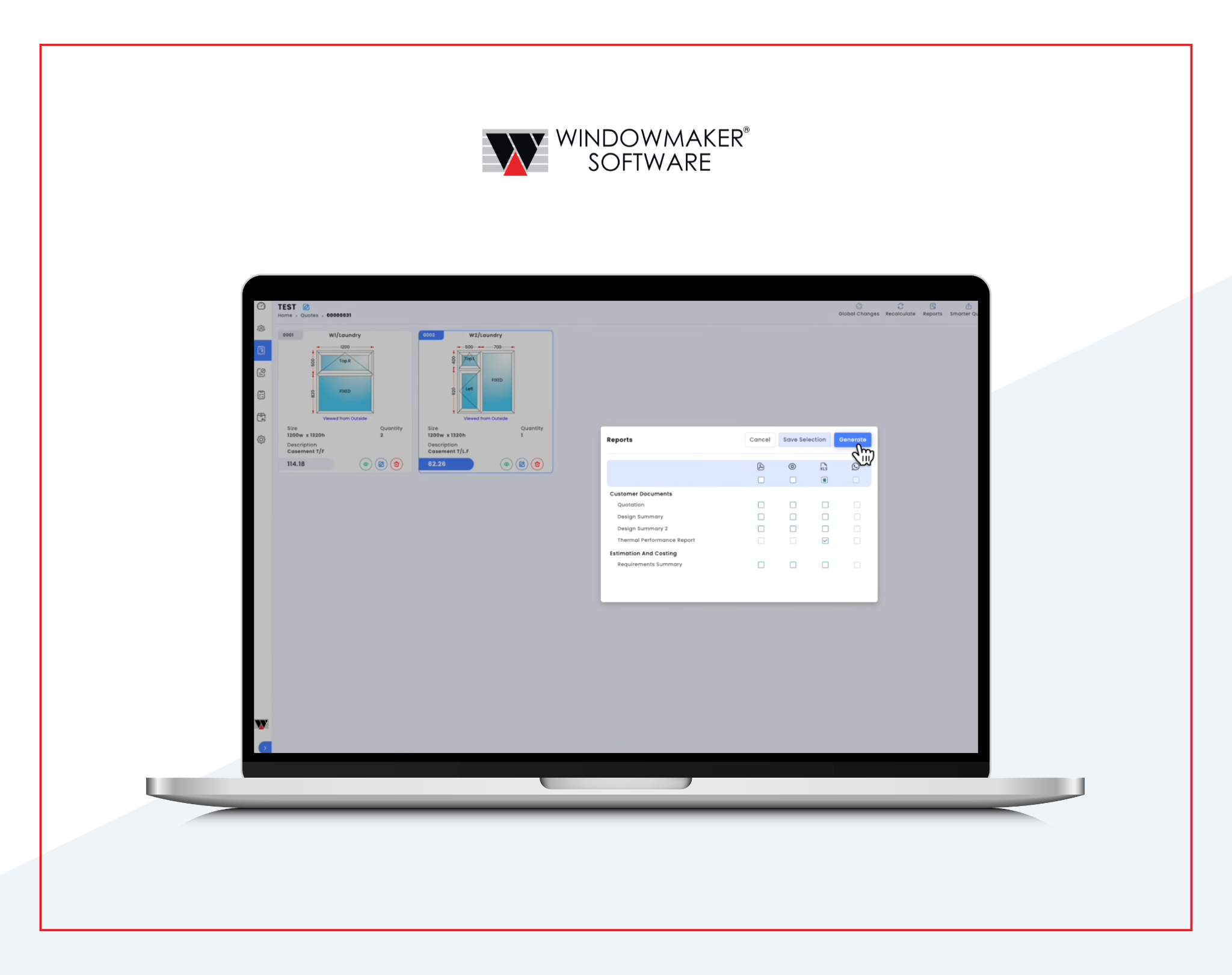
The calculation generates a structured report: a sheet per single-frame sales line, a sheet per frame for multi-frame designs, a summary for multi-frame designs, and a summary for the full sales quote. The figures feed straight into compliance documentation tied to BSI certification.
What this means for manufacturers
ADL1:2026 moves a lot of work earlier in the process. The system that handles the calculation has to know about ancillary components, treat configuration changes as live inputs, and produce output that holds up against the compliance chain. The Windowmaker Calculator does this inside the same workflow used for everything else, so the calculation is part of the quote rather than a separate exercise.
If you’d like to see it working on your own configurations, we can show you. Get in touch and we’ll set up a short walkthrough.